Run it where the code lives.
Call the CLI locally without an account or repository upload. Or load the skill in a Codex-compatible agent, subject to that agent's own data policies.
Pre-publication safety check
Check current files and reachable Git history locally. Get redacted findings and a verdict to review: GO, GO WITH REVIEW, or NO-GO.
$ ./bin/did-i-leak --repo /path/to/target-repo --full
Run from the cloned checkout and replace /path/to/target-repo with your repository. Install guide
local-first / redacted output / no credential mutations
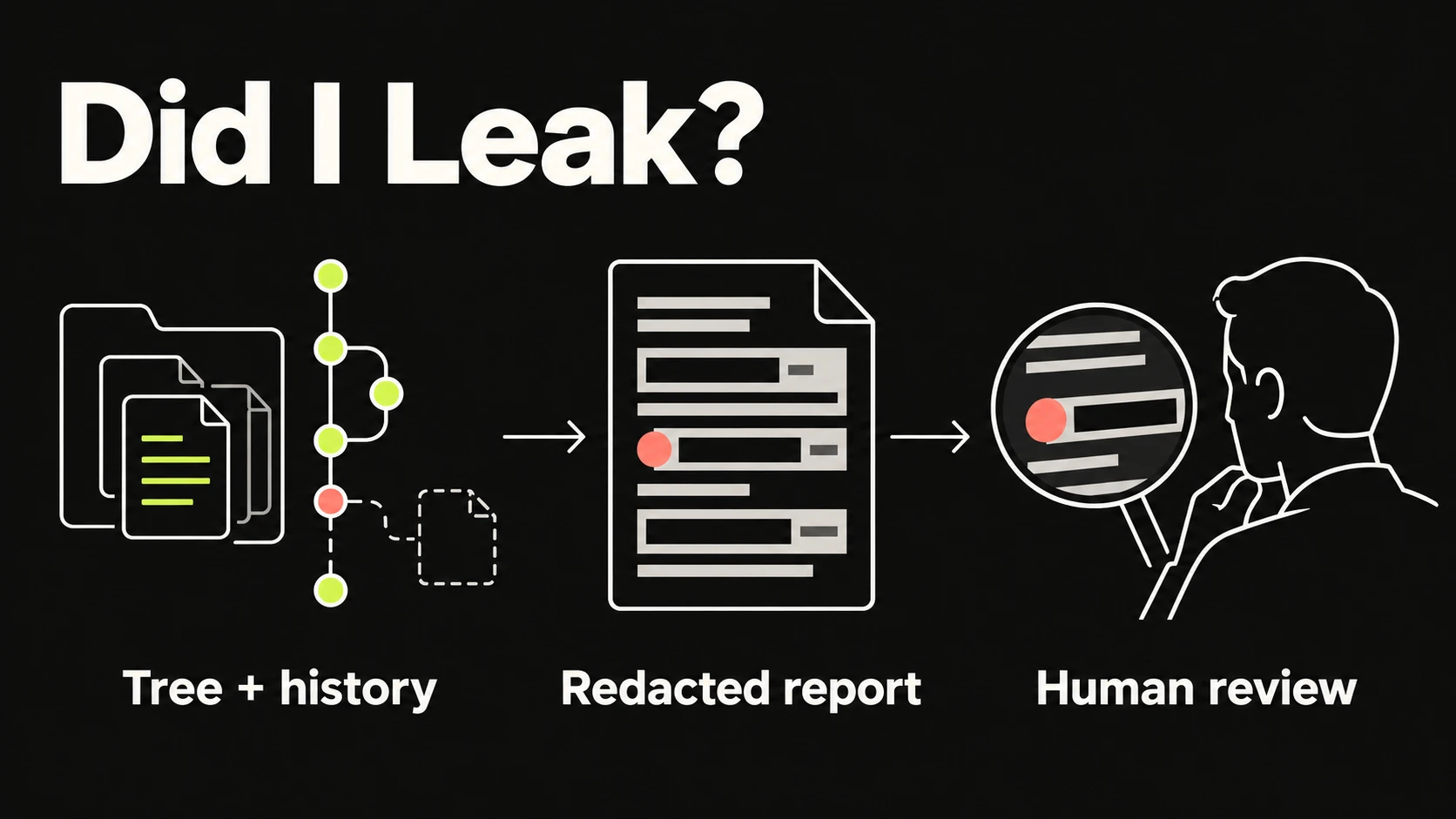
01 / THE MOMENT BEFORE PUBLISH
Inspect what is present, find what history retained, and resolve the findings before you decide to publish.
Call the CLI locally without an account or repository upload. Or load the skill in a Codex-compatible agent, subject to that agent's own data policies.
Current files are only half the picture. Reachable history, branches, tags, deleted files, and suspicious blobs count.
Review the redacted file and commit references. Rotate exposed credentials first; assess PII and internal paths in context.
02 / WHAT IT CHECKS
Established scanners do the secret detection. Did I Leak? adds the context that makes their output useful before a public push.
Tracked and untracked files, including ignored .env files outside dependency and build directories.
Locally reachable commits, branches, tags, and deleted historical files. Unfetched remote history is outside the scan.
No full credentials in the terminal, JSON, examples, or handoff. You see the risk, not the secret.
03 / SEE THE VERDICT
Illustrative output, not results from your repository. A verdict summarizes findings and detector coverage; it is not a security certificate.
DID I LEAK?

NO-GO

1 blocker

Historical credential detected
Commit: a83f2c1
File: scripts/test_api.py
Status: deleted from current tree
Confidence: high

Action: Revoke/rotate before publishing.

Coverage
Gitleaks: completed
TruffleHog: completed
Git history: all reachable commits
CONCRETE BEFORE / AFTER
Before: the current folder looks clean, but an old commit still contains a credential.
After: a redacted historical finding points to the file and commit. Revoke or rotate the credential before considering history cleanup.
Before: a missing detector could look like a clean scan.
After: missing or disabled scanners keep the verdict at GO WITH REVIEW. Check coverage and any review items before deciding.
The rule
“Deleted” is not the same as “never exposed.”
If a real credential was ever committed or shared: revoke it first, verify its replacement is absent, then decide whether history cleanup is worth the consequences.
04 / MAKE IT A HABIT
Requires Python 3.9+ and Git. Clone into an unused directory. Gitleaks and TruffleHog are optional but recommended; install them separately through their official instructions.
git clone https://github.com/pengusto/did-i-leak.git
cd did-i-leak
./bin/did-i-leak --repo /path/to/target-repo --fullReplace the target path. For Codex-compatible agents, load SKILL.md and invoke $did-i-leak.
KNOW THE LIMITS
--full. Later routine runs can reuse validated, redacted scan metadata in .git/did-i-leak/.